How to Use 3D Mode on Google Maps – Step-by-Step Guide
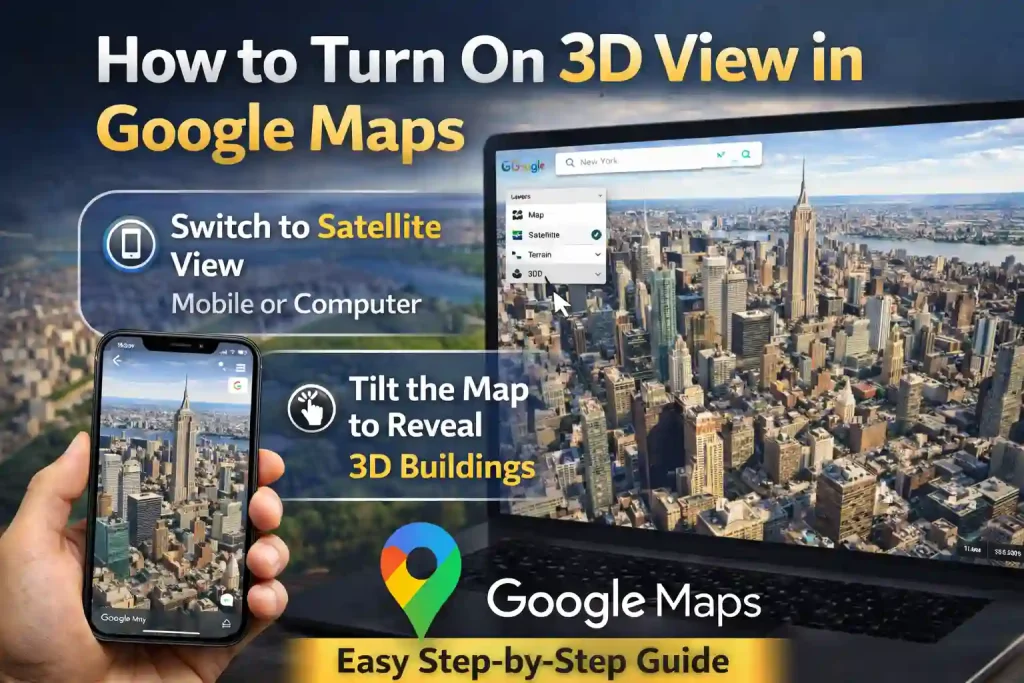
Explore Places in 3D on Google Maps
Google Maps offers a 3D view feature that lets users explore cities, buildings, and landmarks in a more realistic way. Instead of looking at a flat map, you can see buildings standing up in three dimensions.
This feature is useful for travelers, students, and anyone who wants a better understanding of a location before visiting it.
The good news is that turning on 3D mode is very simple and only takes a few steps.
How to Use 3D View on a Mobile Phone
If you are using the Google Maps app on your phone, you can enable the 3D view easily.
Follow these steps:
- Open the Google Maps app on your phone.
- Search for a city, landmark, or address.
- Tap the Layers icon in the top right corner.
- Select Satellite view.
- Zoom in on the map using your fingers.
- Use two fingers to tilt the screen upward.
Once you tilt the screen, buildings will appear in 3D form.
Keep in mind that this feature works best in large cities and famous locations.
How to Turn On 3D View on a Computer
You can also explore 3D maps on a desktop or laptop.
Follow these steps:
- Go to Google Maps in your web browser.
- Search for a place or city.
- Click the Satellite option at the bottom left of the screen.
- Hold the Ctrl key (or Command on Mac) and drag the mouse to tilt the map.
You will then see buildings and landmarks in a three-dimensional view.
Why 3D Maps Are Helpful
3D maps make navigation and exploration more realistic. They allow users to understand the height of buildings, city layout, and surrounding areas.
This feature is especially useful for planning trips, exploring tourist destinations, or studying geography.
As mapping technology improves, more cities around the world are being added to the 3D system.
FAQs
How do I enable 3D on Google Maps?
Switch to Satellite view and tilt the map using two fingers on mobile or the mouse on a computer.
Does 3D view work everywhere?
No, it works mainly in major cities and popular locations where 3D data is available.
Can I use 3D view on Android and iPhone?
Yes, the feature works on both Android and iOS devices through the Google Maps app.
Why can’t I see buildings in 3D?
You may need to zoom in more or switch to Satellite mode to enable the feature.
Is 3D view free to use?
Yes, the 3D feature is completely free inside Google Maps.
Read this : Is Benjamin Netanyahu Dead? Viral Video Sparks Online Debate